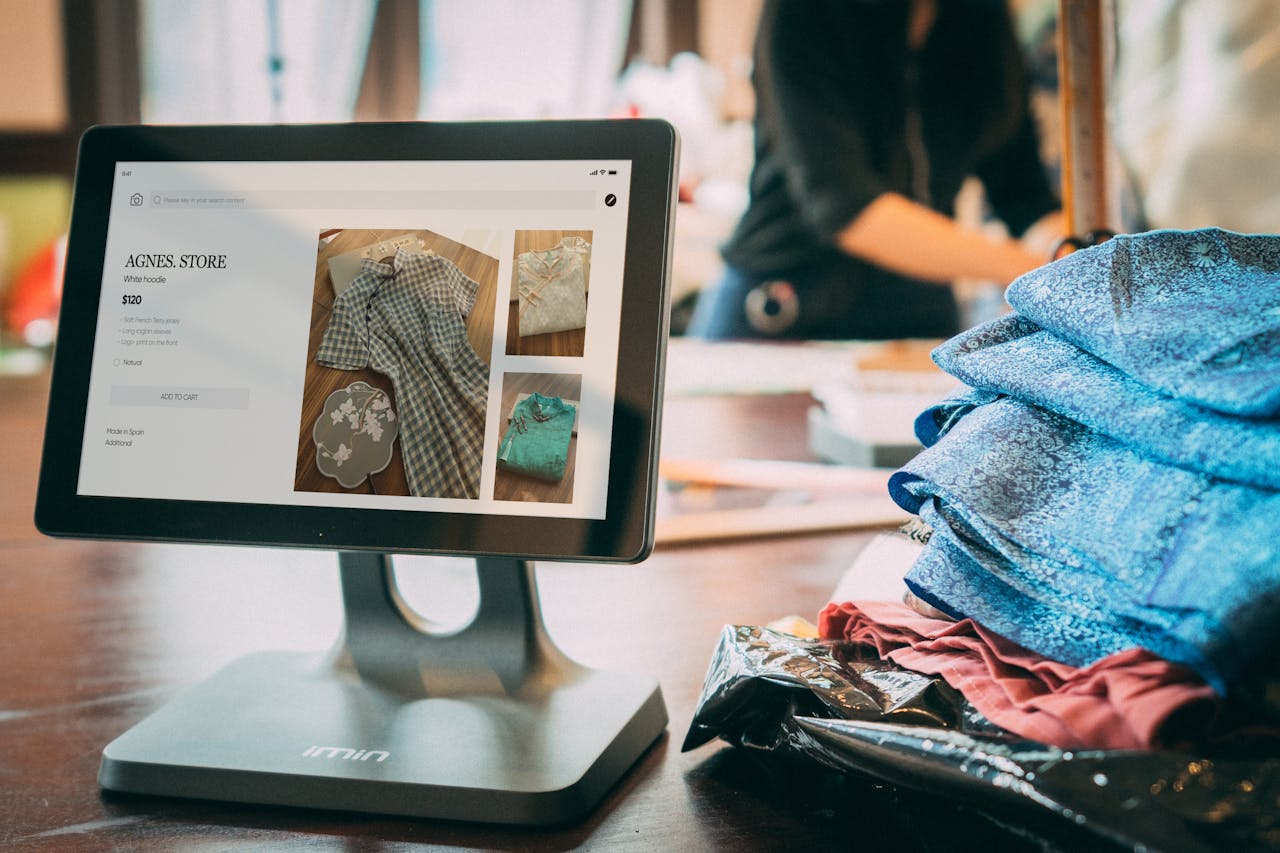
Connecting your online loyalty program to physical retail locations eliminates the friction that costs brands thousands in missed revenue. When customers walk into your store and staff can instantly access their points balance, VIP tier status, and available rewards, you create a unified experience that can drive up to 3.1x higher repeat purchase rates. A modern Shopify POS loyalty integration syncs customer reward data in real-time across all channels—whether shopping online, in-store, or via mobile—transforming fragmented customer relationships into measurable retention outcomes.
Key Takeaways
- Shopify POS loyalty integration connects third-party loyalty apps with physical retail, enabling customers to earn and redeem points across all purchasing channels
- Setup takes 30 minutes to 2 hours for basic configuration, with advanced integrations requiring 1-3 days
- Loyalty members spend 3.1x more than non-members, with +4% to +17% of total revenue attributed to loyalty programs
- Shopify deprecated legacy POS extensions on February 28, 2025—only apps with new POS UI Extensions will function
- Brands like Lola's Cupcakes achieved over 50% reduction in the total cost of ownership of their ecommerce website while adding over 10,000 new loyalty members
- Real-time sync eliminates 95%+ of point discrepancy complaints compared to manual tracking systems
Understanding the Foundation: What is Shopify POS and Why Loyalty Programs Matter
Shopify POS transforms any tablet or smartphone into a retail checkout system that connects directly to your Shopify store. When paired with a customer loyalty program, this infrastructure enables something previously complex: a single customer profile that tracks purchases, points, and rewards regardless of where the transaction occurs.
The business case is straightforward. Research shows that 84% of customers are more loyal to brands offering rewards programs. More critically, loyalty program members demonstrate 2-3x higher repeat purchase rates than non-members. For omnichannel retailers, fragmenting this experience between online and in-store creates confusion that erodes these gains.
The Omnichannel Imperative
Customers expect consistency. When someone earns points online but can't redeem them at your physical location, you've created friction at the exact moment they're ready to buy. The inverse is equally damaging—points earned in-store that don't appear in their online account lead to support tickets, confusion, and ultimately, churn.
Modern POS loyalty integration solves this by:
- Syncing point balances in real-time across all channels
- Displaying VIP tier status to in-store staff instantly
- Enabling reward redemption at physical checkout
- Capturing in-store purchase data for unified customer profiles
- Automating point awards for every transaction regardless of location
Choosing the Right Loyalty App for Your Shopify POS Integration
Not every loyalty app supports Shopify POS integration equally. Before committing, evaluate these critical capabilities.
Key Features to Prioritize
POS UI Extension Support: In February 2025, Shopify deprecated legacy extensions. Verify your chosen app has updated to the new POS UI Extension format—apps without this update simply won't work.
Multi-Location Capability: Most free plans limit POS to single locations. Growing brands need apps supporting multiple retail locations without excessive per-location fees.
Real-Time Sync: Batch synchronization (every 5-15 minutes) creates customer-facing delays. Prioritize apps offering instant point balance updates when transactions complete.
Staff Interface Quality: Your retail team needs simple tools. Look for apps providing POS Smart Grid tiles that display customer information, available rewards, and redemption options without navigating complex menus.
Evaluation Criteria
When comparing options, assess these factors:
- Order volume limits: Free plans typically cap at 100-400 monthly orders
- Pricing structure: Paid plans range from $49-$199/month for growing stores
- Integration depth: Does the app write directly to your POS or require manual reconciliation?
- Support responsiveness: Enterprise-grade implementations need dedicated support channels
- Migration assistance: Switching platforms with existing members requires careful data handling
For brands seeking the best Shopify loyalty apps with robust POS integration, modern Shopify Plus compatibility and seamless multi-channel sync should be non-negotiable.
Step-by-Step: Setting Up Your Loyalty Program within Shopify POS
Implementation follows a predictable sequence. Most brands complete basic setup in 30 minutes to 2 hours, with more complex configurations extending to 1-3 days.
Phase 1: Install and Enable
Step 1: Install Your Loyalty App Visit the Shopify App Store, search for your chosen loyalty platform, click "Add app," and authorize permissions. The app will appear in Shopify Admin under Apps.
Step 2: Enable Customer Accounts Navigate to Shopify Admin > Settings > Customer Accounts. Select "Accounts are optional" or "Accounts are required." Customer accounts must be active for loyalty tracking to function.
Step 3: Configure POS Settings Go to Sales Channels > Point of Sale > Settings > POS Apps. Select your loyalty app and click "Add" under the Smart Grid section.
Phase 2: Device Configuration
Step 4: Add POS UI Extension to Each Device Open the Shopify POS app on your tablet or phone. Tap "Add tile," select "App," choose your loyalty app, and tap "Add." Save this as your default layout to apply across all locations.
Step 5: Configure In-Store Redemption In your loyalty app admin panel, navigate to Rewards. Edit each reward and set "Where the coupon will be used" to "In Store & Online." This step is frequently missed—rewards left as "Online Only" won't appear in POS.
Phase 3: Testing
Step 6: Complete End-to-End Test Create a test customer account, make an in-store test purchase, verify points awarded correctly, and attempt reward redemption at POS. Points should appear within seconds. If redemption fails, check cart value meets minimum spend requirements configured in your loyalty app.
Common Stumbling Points
- POS tile not appearing: Ensure Shopify POS app is updated to the latest version. Manually refresh data sync through POS Menu > Connectivity > Data Synchronization
- Rewards showing as "pending": Cart value must meet minimum spend requirements configured in the loyalty app
- Points not syncing: Verify staff user has "App permissions" enabled in Shopify Admin > Settings > Users and Permissions
- Customer opt-in required: If using "Only members who signed up" settings, staff must manually enroll customers with verbal consent
Optimizing In-Store Customer Experience with Shopify POS Loyalty
Technical integration is only half the equation. Staff execution determines whether your program drives results or creates friction.
Seamless Customer Identification
Train staff to ask for customer email or phone number at the start of each transaction—not the end. This allows the POS tile to display point balance, tier status, and available rewards before checkout begins, enabling staff to mention relevant benefits during the shopping experience.
In-Person Sign-Up Strategies
For customers not yet enrolled, equip staff with a brief value proposition: "Would you like to earn points toward free products today? You'll get [X points] for this purchase." The best programs enable instant enrollment via email entry at POS, with no separate registration required.
Staff should be able to:
- Enroll new members in under 30 seconds
- Display current point balance without navigating away from checkout
- Apply reward redemptions with single-tap actions
- Explain tier benefits when customers are close to advancement
Training Investment
Allocate time for initial staff training covering program mechanics, common customer questions, and troubleshooting basics. Retail staff save 5-10 hours weekly on loyalty lookups with proper integration—but only if they know how to use the tools.
Leveraging Advanced Features: VIP Tiers and Omnichannel Rewards
Basic points programs provide a foundation. VIP tiers and omnichannel mechanics create the differentiation that drives outsized results.
VIP Tier Implementation
Configure tiers based on cumulative spend, points earned, or orders placed—across all channels. When a customer qualifies for VIP status through online purchases, their elevated tier should appear immediately in POS. Staff can then acknowledge the status and explain in-store benefits.
Effective tier structures include:
- Entry tier: All enrolled members (base earning rate)
- Silver/Mid tier: After $200-500 cumulative spend (1.25x points multiplier)
- Gold/Top tier: After $500-1,000+ spend (1.5x points + exclusive rewards)
Stackable Discounts at Checkout
Modern Shopify Plus integrations support stackable discounts at checkout. Customers can apply loyalty rewards alongside promotional codes without manual overrides. This eliminates the "one coupon per order" friction that frustrates high-value customers.
Unified Earning and Redemption
Ensure earning rules apply identically regardless of channel:
- 1 point per $1 spent (online and in-store)
- Bonus points for specific product categories
- Birthday bonuses credited to accounts, redeemable anywhere
- Referral rewards available for both online and in-store redemption
Measuring Success: Analytics for Your Integrated Shopify POS Loyalty Program
Without measurement, optimization is guesswork. Track these metrics to quantify program performance and identify improvement opportunities.
Core Metrics
Loyalty-Attributed Revenue: What percentage of total sales involve loyalty member purchases or redemptions? Top performers report +4% to +17% of revenue tied directly to loyalty activity.
Repeat Purchase Rate: Compare rates between loyalty members and non-members. The gap should be significant—members typically show 2-3x higher rates.
Average Order Value by Channel: Do loyalty members spend more in-store or online? This data informs promotional strategies and staff training priorities.
Redemption Rates: Track what percentage of earned points get redeemed. Low rates suggest rewards lack appeal; extremely high rates may indicate overly generous earning structures.
ROI Analysis
Calculate program ROI by comparing incremental revenue against total costs:
- Platform subscription fees
- Staff training time
- Promotional costs (sign-up bonuses, etc.)
- Points liability (unredeemed points as future discount obligations)
Brands implementing comprehensive solutions report 12-24% profit growth within months when measuring full program impact.
Troubleshooting Common Issues and Best Practices
Even well-configured integrations encounter friction. Address these common challenges proactively.
Sync Discrepancies
Symptom: Points earned online don't appear at POS checkout (or vice versa).
Solutions:
- Check network connectivity at retail locations
- Verify loyalty app has POS permissions enabled
- Manually trigger data refresh through POS connectivity settings
- Confirm staff is searching by correct customer identifier (email vs. phone)
Staff Adoption Issues
Symptom: Staff bypass loyalty prompts to speed checkout.
Solutions:
- Simplify the process—enrollment and lookup should take under 30 seconds
- Tie performance metrics to loyalty sign-ups
- Display loyalty impact data (revenue generated, repeat customers) regularly
- Provide quick-reference cards at each POS station
System Maintenance
Schedule monthly reviews of:
- Earning rules (are they still competitive?)
- Reward thresholds (achievable but meaningful?)
- Tier qualification levels (appropriate for your customer base?)
- Integration health (any recurring sync errors?)
Why Rivo Powers the Best Shopify POS Loyalty Integrations
For Shopify Plus brands seeking enterprise-grade Shopify loyalty program infrastructure with native POS support, Rivo delivers capabilities purpose-built for omnichannel retention.
Built for Shopify Plus
Rivo integrates directly into Shopify's infrastructure using theme app extensions (loading under 100ms), checkout extensions, and Shopify Flow—avoiding legacy workarounds that other platforms still rely on. This modern architecture means faster performance, fewer sync issues, and compatibility with Shopify's latest POS capabilities.
Proven Results
Brands using Rivo's platform report measurable outcomes:
- HexClad generated $450K in first 90 days with 92x ROI
- Portland Leather Goods attributes 17.4% of revenue to loyalty after migrating from legacy platforms
- OSEA Malibu achieved 77% repeat purchase rate among loyalty redeemers
What Sets Rivo Apart
- Multi-location POS support: Scale plan includes 3 locations; Plus and Enterprise offer unlimited
- 24/7 support: Dedicated Slack channels for Enterprise clients ensure rapid issue resolution
- White-glove onboarding services: Migration assistance from legacy platforms with 3-week implementation timelines
- Developer Toolkit: Full API access for custom integrations when standard features don't cover edge cases
- Transparent pricing: Month-to-month billing, no hidden fees, no annual lock-in
For brands processing 200+ monthly orders who need Shopify customer accounts integrated with points, VIP tiers, and POS—Rivo provides the infrastructure to scale.
Getting Started with Your Shopify POS Loyalty Integration
Successfully integrating loyalty with Shopify POS transforms how you engage customers across every touchpoint. The brands seeing the strongest results share common traits: they prioritize real-time sync, train staff thoroughly, and choose platforms built specifically for Shopify's modern architecture.
Whether you're launching your first loyalty program or migrating from a legacy solution, the key is selecting infrastructure that grows with your business. Look for apps that support multiple locations, offer instant point updates, and provide the analytics you need to optimize performance over time.
For Shopify Plus brands serious about retention, Rivo delivers the omnichannel loyalty capabilities that drive measurable results. With native POS integration, white-glove onboarding, and proven ROI across hundreds of brands, Rivo eliminates the complexity that slows down other implementations.
Ready to connect your online and in-store customer experiences? Explore Rivo's Shopify POS integration or schedule a demo to see how leading brands are using loyalty to increase repeat purchases and lifetime value.
Frequently Asked Questions
Can customers earn points in-store?
Yes, with proper integration. Once configured, customers earn points for in-store purchases automatically, and staff can apply reward redemptions directly at checkout. Points sync in real-time between online and POS channels, so a customer earning points online can redeem them in-store minutes later.
What are the benefits of POS integration?
Integration creates a unified customer experience across all channels, eliminates point discrepancy complaints (by 95%+ in most implementations), and enables staff to personalize in-store interactions using customer purchase history and tier status. Omnichannel loyalty members demonstrate significantly higher lifetime value.
How does loyalty data sync?
Use a loyalty platform with native Shopify POS integration and real-time sync capabilities. After installation, verify the POS UI Extension is active on each device, ensure staff have proper permissions, and test the complete customer journey before full launch. Monitor monthly for sync errors.
What staff training is needed?
Brief initial training covering customer lookup, enrollment process, reward redemption, and basic troubleshooting is essential. Provide quick-reference materials at each POS station. Ongoing training should occur quarterly as program mechanics evolve or new features launch.
How to track POS redemptions?
Your loyalty platform should provide analytics dashboards showing redemption data segmented by channel. Key metrics include redemption rate by location, average reward value, and loyalty-attributed revenue from in-store transactions. Most robust platforms break down this data automatically.