Rivo Cashback

Shopify Cashback: Stop discounting first orders. Reward the next one instead.
Instead of a discount that eats your first-sale margin, give customers a percentage back as store credit they can only spend on their next order. You keep full margin on the first purchase and earn the second. And if the credit goes unused, it expires, so it never sits on your balance sheet.
Explore
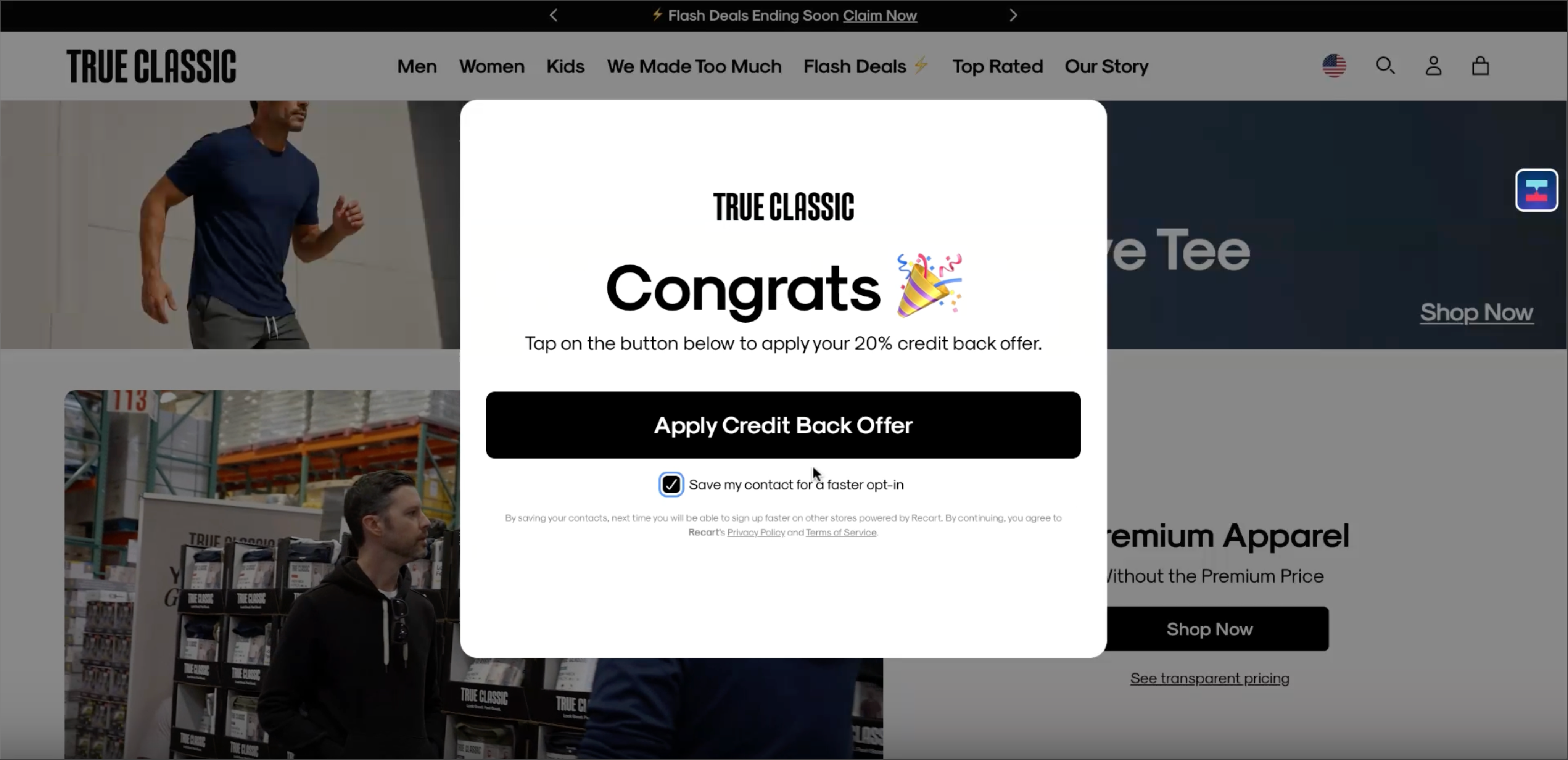
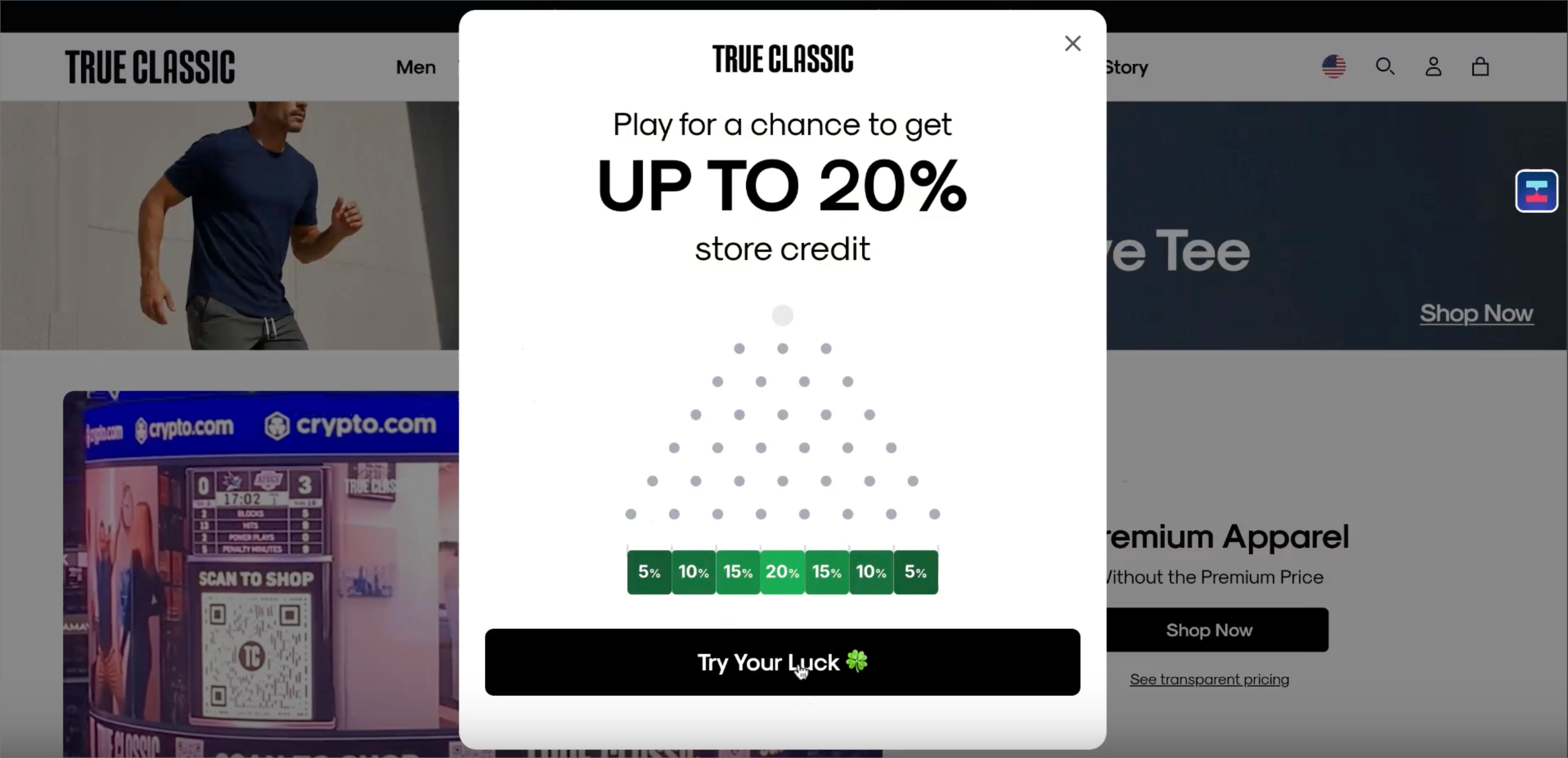
Rivo Cashback welcome offer on a Shopify storefront offering up to 20% store credit
Acquire without discounting

Get the first order at full price, win the second with cashback
A welcome offer gives new shoppers a percentage back instead of a discount. They pay full price on their first order, then come back to spend their cashback as store credit. You lose nothing on the first sale and create a real reason to return for the second, the purchase that actually builds retention.
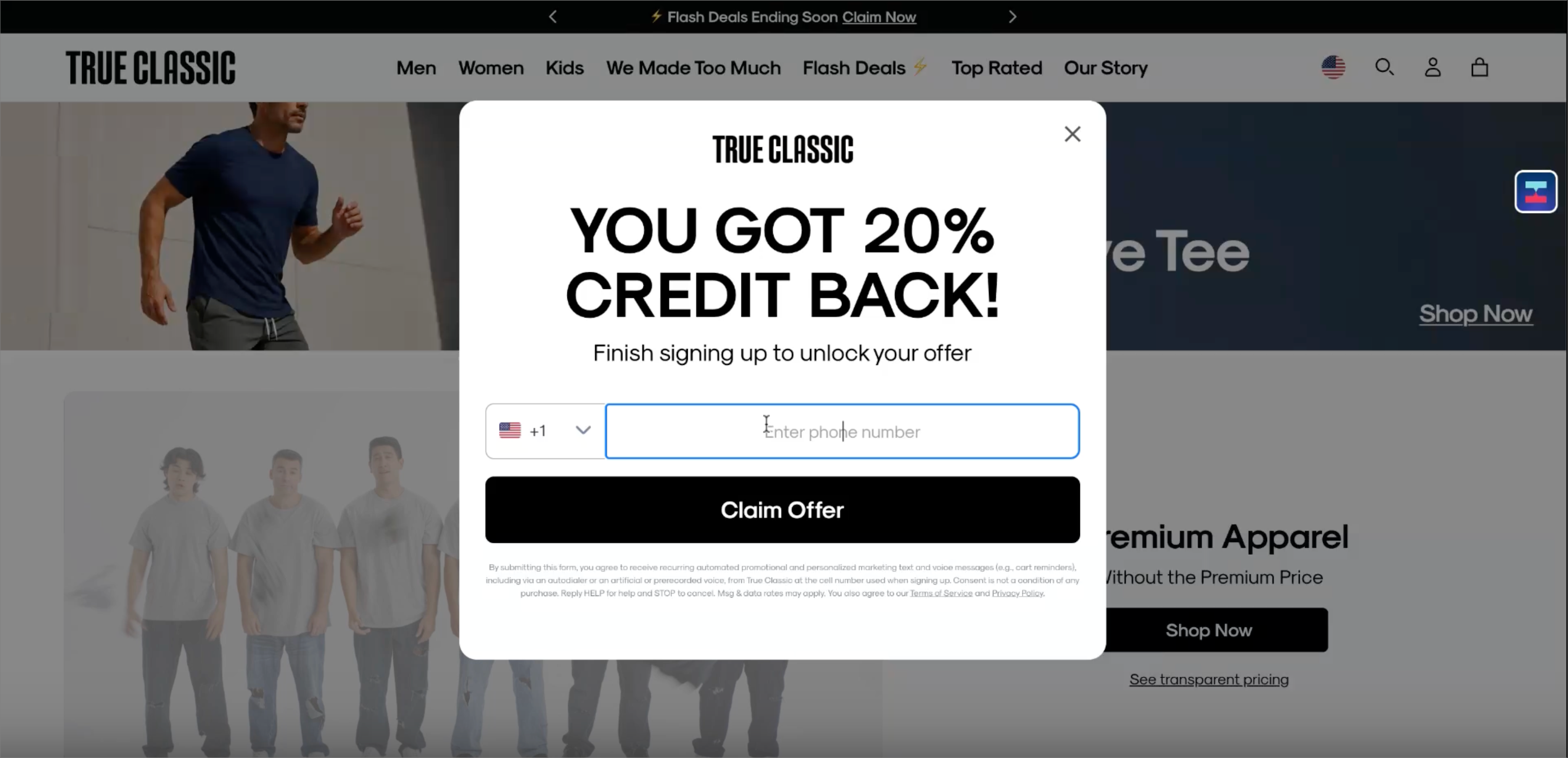
Shopify storefront welcome offer giving 20% credit back on the first order instead of a discount
Customer applying their 20% Rivo Cashback store credit offer at checkout
Real store credit, not a gift card

Cashback that lives inside the Rivo ecosystem

Rivo Cashback is real ledger-backed store credit, not a standalone gift card. Customers see their balance the moment they sign in, it works right alongside your loyalty program, and it shows up inside Rivo Accounts. You control the redemption window, unused credit expires automatically, and you get full analytics on pending and redeemed credit.

50+ features out of the box

Features Grid ICon
Passwordless Login
Sign in the majority of your customers and activate their accounts using passwordless login.
Features Grid ICon
AI Activation Match
Predict what someone will order next and suggest it to them using Rivo's AI Activation Match technology.
Features Grid ICon
Account Personalization
Show order history, order tracking, self-service returns, and saved shopping history all in one place.
Features Grid ICon
Mobile first
Built for mobile devices, Rivo fits seamlessly in the customer experience with no page speed effects.
Features Grid ICon
Fully Customizable UX
Customize fonts, colors, CSS and even add your own custom code blocks – own your customer account.
Features Grid ICon
Wishlist and Saves
Let customers save their favorite products and keep them in their account for later.
Features Grid ICon
Recommendation Engine
Suggest and recommend popular, related and recently seen – to help someone make their next purchase.
Features Grid ICon
Integrated with 50+ apps
Add loyalty, referrals, returns, re-ordering, profile management and more – all in one place.

FREQUENTLY ASKED QUESTIONS

Cashback FAQ

What is Rivo Cashback?

Rivo Cashback rewards customers with a percentage of their purchase back as store credit they spend on their next order. Instead of discounting a first purchase, you keep full margin on the first sale and give customers a reason to come back.

How does it work for the customer?

A new shopper opts in through a welcome offer, for example 20% back. They place their first order at full price, the order enters a holding period through your return window, and once that window closes with no refund or cancellation, the store credit is released to their account to spend next time.

What if a customer never comes back?

You control the redemption window, and unused cashback expires. Because credit is only ever spent on a future order, it never becomes a liability on your balance sheet. You only reward the second purchase when it actually happens.

How is this different from a discount or a gift card?

A first-order discount gives away margin on a sale you already won. Cashback keeps that margin and drives the next order instead. And unlike a standalone gift card, it is ledger-backed store credit inside Rivo, tied into customer accounts, working alongside loyalty, with full analytics on pending and redeemed credit.

Can I run cashback alongside a loyalty program?

Yes. Cashback works right alongside Rivo Loyalty, Memberships, and Accounts, all in one connected retention platform. Customers see their store credit balance as soon as they sign in.

Features Grid ICon